
Turn listing photos into an AI real estate video
One smooth 5-second vertical clip per photo. Preview the motion free in your browser, then render the AI versions in Studio.
No editing timeline, no software to install. The listing video maker runs in your browser.
 Still photoMotion preview
Free motion preview. AI rendering available in Studio.
Drag to compare

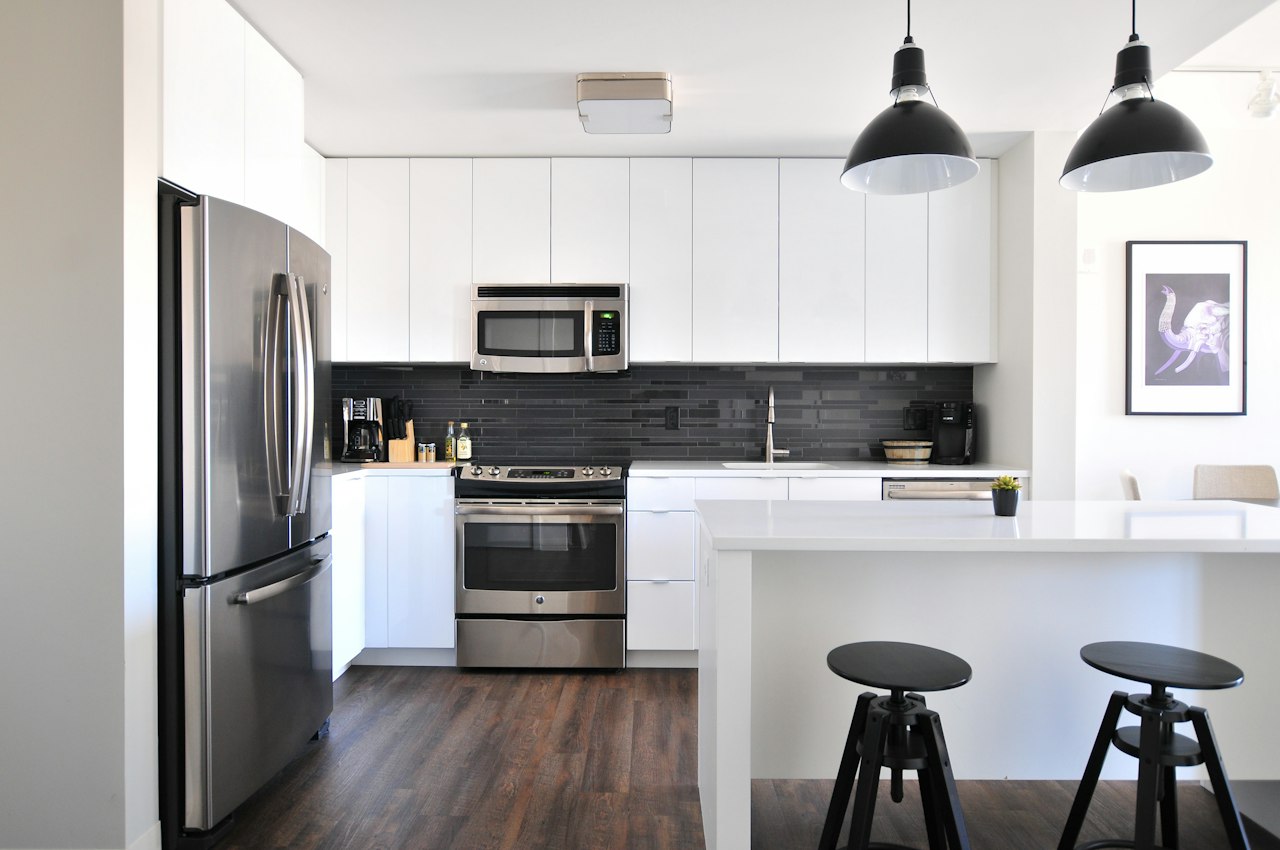

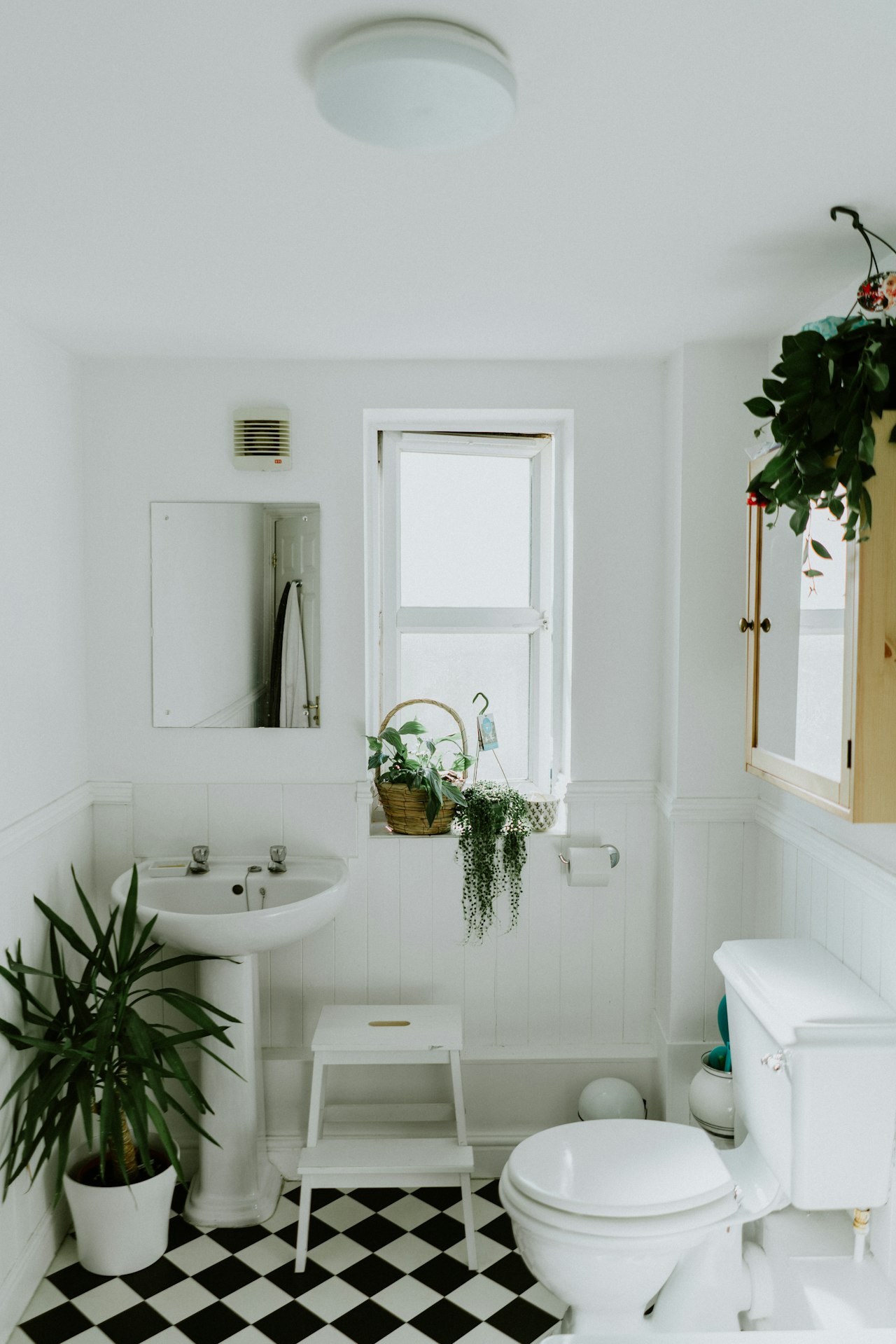
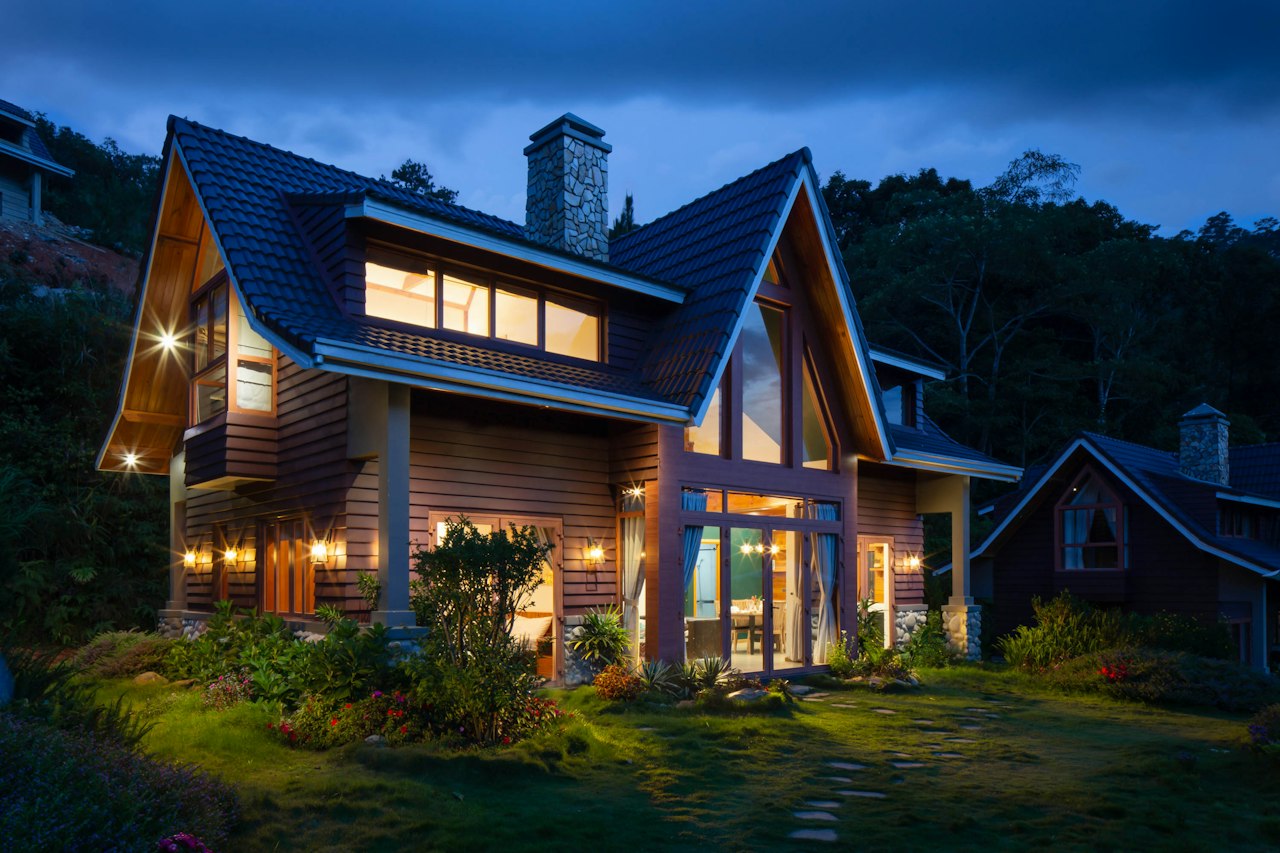

From photos to video in three steps
No editing timeline, no software to install. The listing video maker runs in your browser.
- 01
Upload
Drop in 5-8 listing photos (JPG, PNG or WebP). Reorder them until the walkthrough flows.
- 02
Generate
Each photo becomes its own 5-second motion clip: subtle camera drift, one clip per room.
- 03
Download
Get one 5-second vertical video per photo. Download each reel and post it anywhere.
Simple, per-listing pricing
One-time credit packs. No subscription: pay when a listing needs videos.
One-time payment. Credits land in your account right after checkout.
Frequently asked questions
What agents and photographers ask before turning photos into video.
What do I need to make videos?
Five to eight listing photos (JPG, PNG or WebP, up to 10 MB each). That is all: no editing skills, no software to install.
How many videos do I get per listing?
One 5-second clip per photo, so 5-8 independent clips per listing. Vertical 9:16 is the default because that is where listing videos get watched (Shorts, Reels and TikTok); 16:9 is available for MLS and websites.
Does the AI change my photos?
It can. AI video generation may alter furniture, rooms or lighting, so a render is never a guarantee of accuracy. Always compare the video against the original listing photos before you publish it.
What does the free preview do?
The preview runs entirely in your browser: a pan-and-zoom slideshow of your photos, exportable as a video file. Nothing is uploaded and it costs nothing, but it is a motion mockup, not the AI render.
How do payments work?
Checkout is live: buy a one-time credit pack (1, 3 or 7 listings) and the credits land in your account right after payment. AI rendering itself opens once the generation pipeline passes real-key verification. Until then the Studio shows its status honestly and the free preview is unlimited.
Do the videos have sound?
No. Every clip exports silent, so there are no music rights to worry about. Add your own track in any editor or when you post.